

Baseus 4K Wireless Display Dongle Adapter Grey
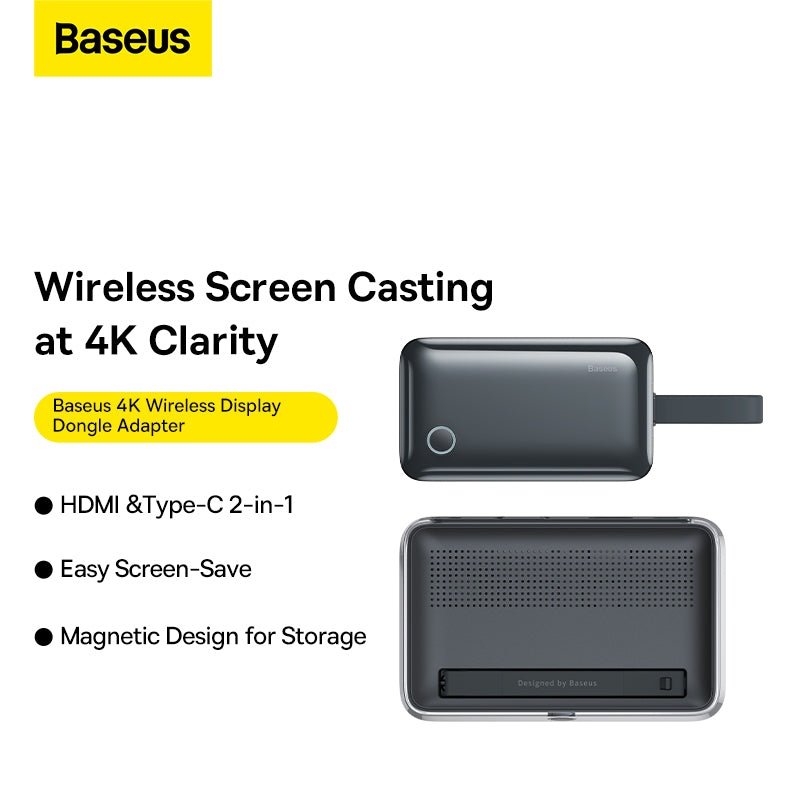
The Baseus 4K Wireless Display Dongle Adapter offers sharp and smooth 4K images that enhance the visual experience of any presentation. It allows you to wirelessly display images and videos at up to 4K resolution at 30Hz.
The dongle has a 35m range, allowing you to share your display across a large distance. It features HDMI and Type-C inputs for sending signals via HDMI, while the HDMI output supports up to 4K@30Hz.
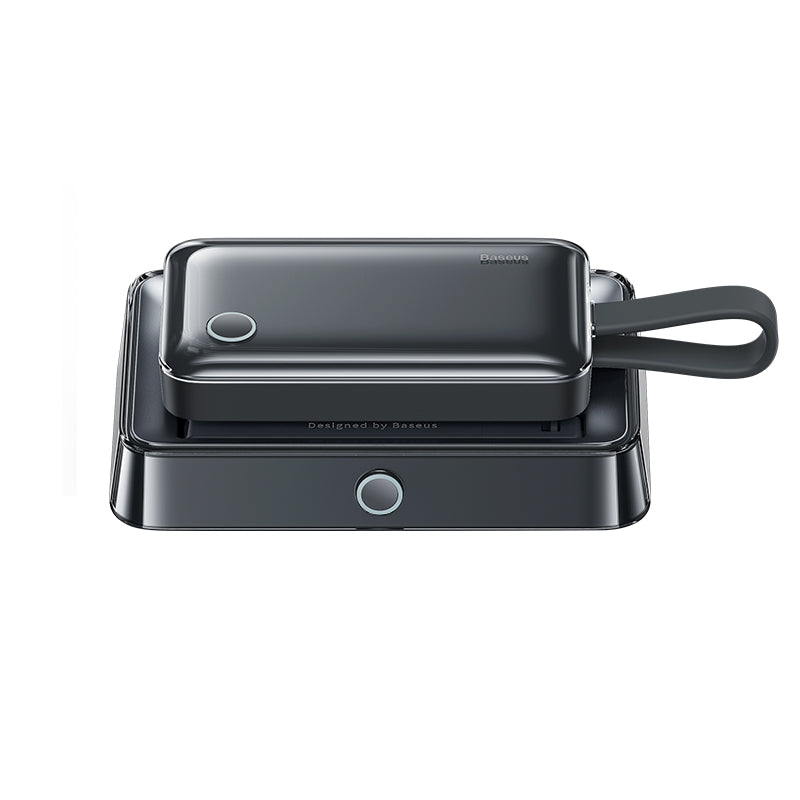
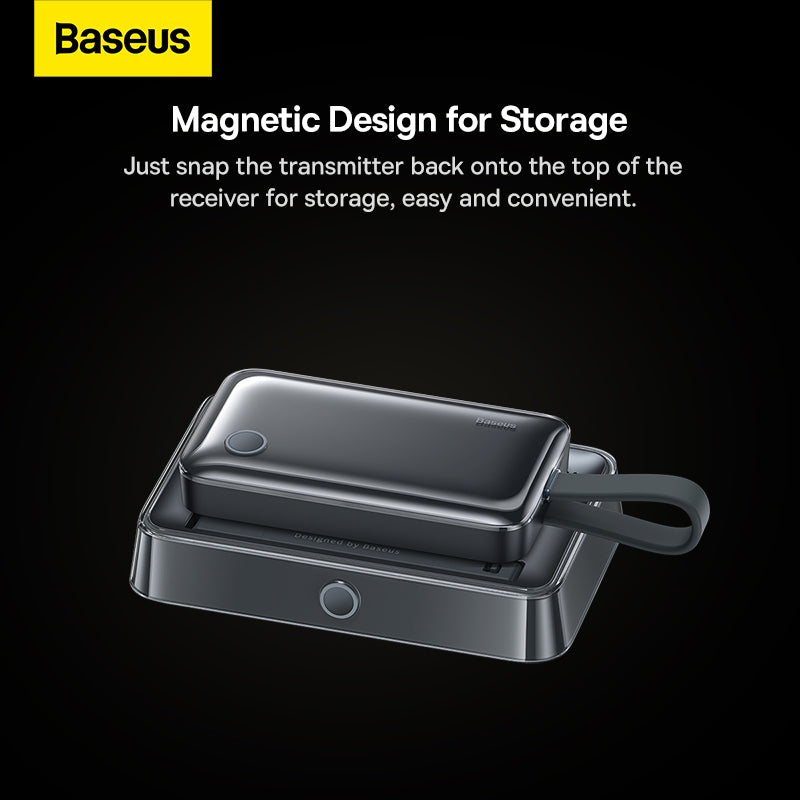
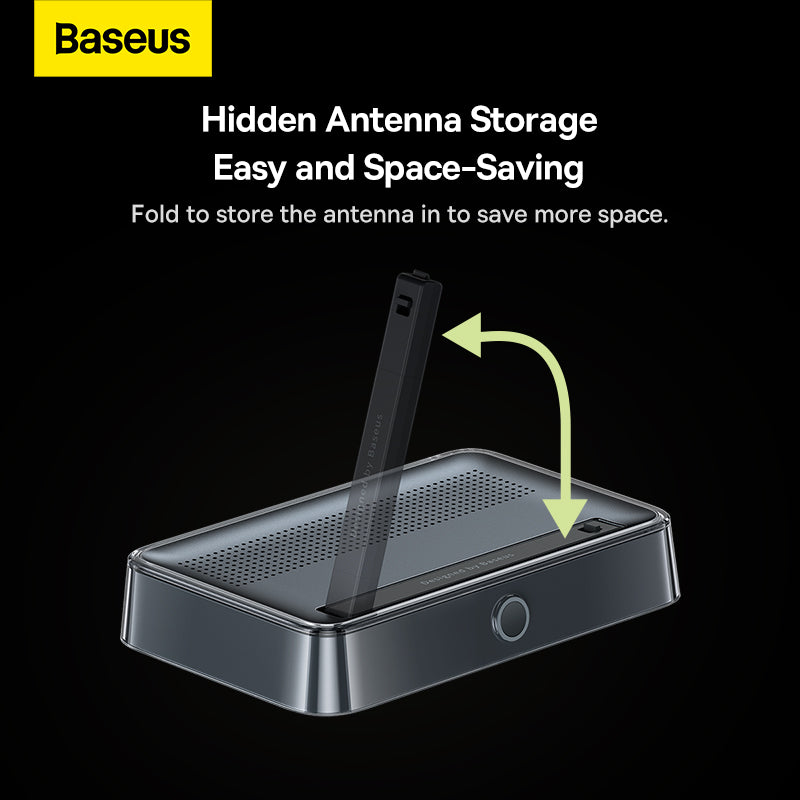
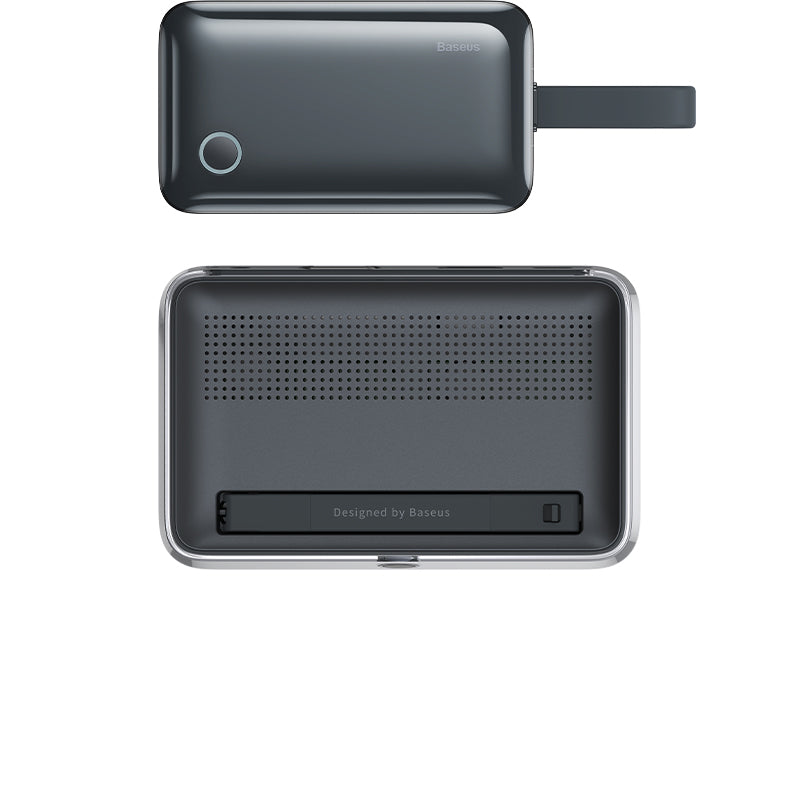
The antenna can also be folded for easy storage and offers simple and convenient setup with hidden Type-C and HDMI input cables, eliminating wire tangling. The magnetic design allows you to attach the transmitter to the back of the receiver for easy and convenient storage.
Key Features
- Displays sharp and smooth 4K visuals for high-quality presentations
- Allows wireless display sharing across a large distance
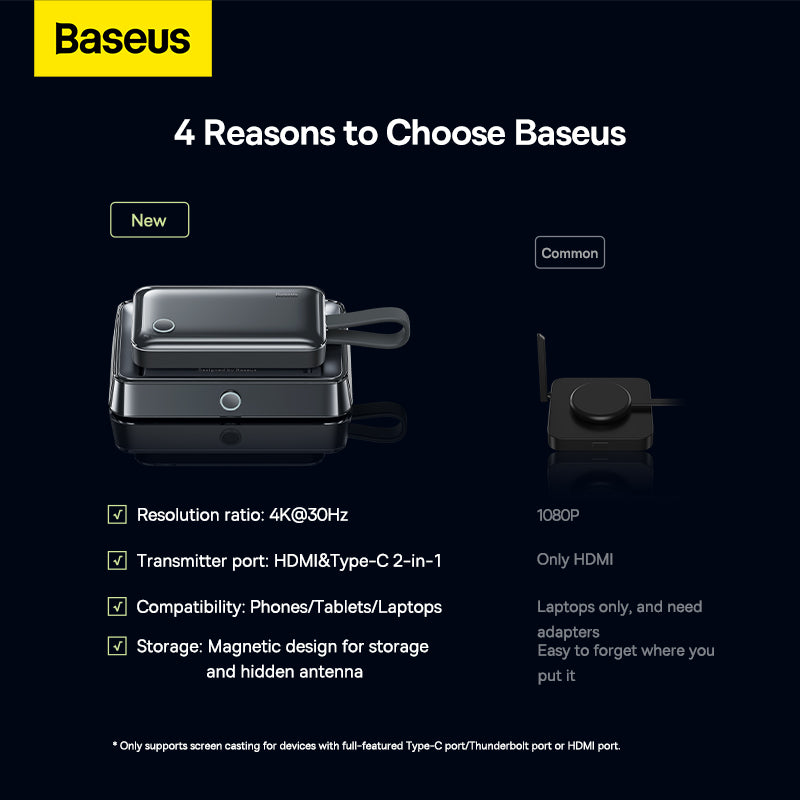
- Features HDMI and Type-C inputs and provides HDMI output
- HDMI port supports resolutions up to 4K at 30Hz
- Foldable antenna for easy storage
- Hidden Type-C and HDMI cables minimize clutter
- Magnetic design allows the transmitter to attach to the receiver for convenient storage
Specifications
-
Materials: PC + ABS
- Input Ports: HDMI + Type-C
- Type-C Input: 5V/3A (Max.)
-
HDMI: 4K@30Hz (Max.)
-
Type-C Input: 5V/3A (Max.)
- Operating Systems: Windows, iOS, Linux, Vista
FAQ
Q: Does this adapter require Wi-Fi to function?
A: No. The adapter creates a direct wireless connection between the transmitter and receiver, allowing screen sharing without relying on a local Wi-Fi network.
Q: What devices can I connect to the transmitter?
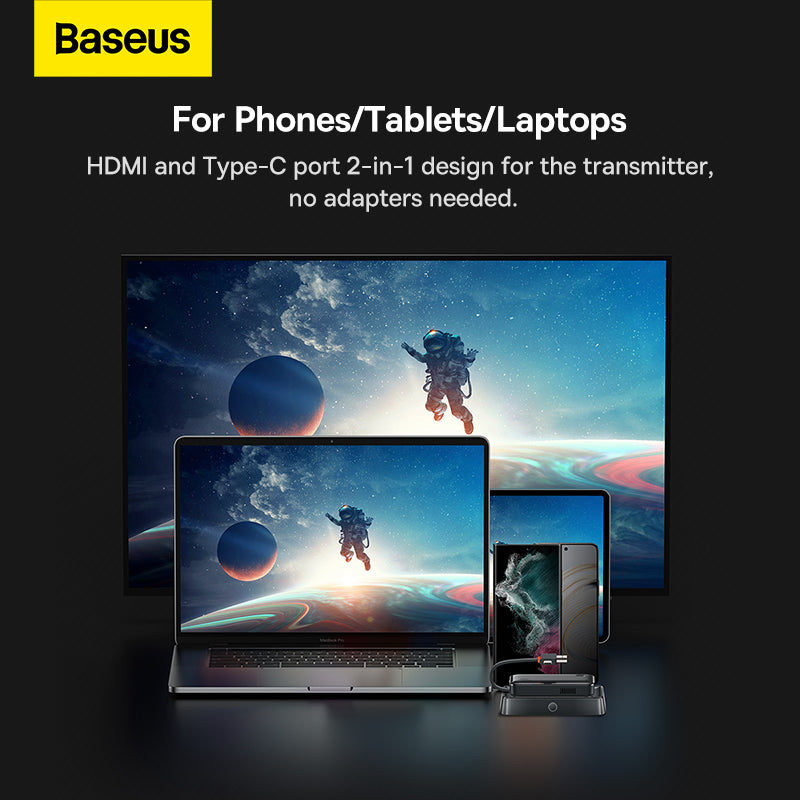
A: Devices with HDMI or USB-C display output, such as laptops, tablets, and some smartphones, can be connected to the transmitter.
Q: What is the maximum resolution supported?
A: The HDMI output supports a maximum resolution of 4K at 30Hz.
Q: Can it be used for presentations in large rooms?
A: Yes. With a wireless transmission distance of up to 35 metres, it is well-suited for meeting rooms, classrooms, and conference spaces.
Choose options